
Seamless Migration
- 🔄 One-click profile migration tools
- 📊 Free migration consultation
- 🎯 Preserved fingerprints and settings
- ⚡ Zero downtime during transition
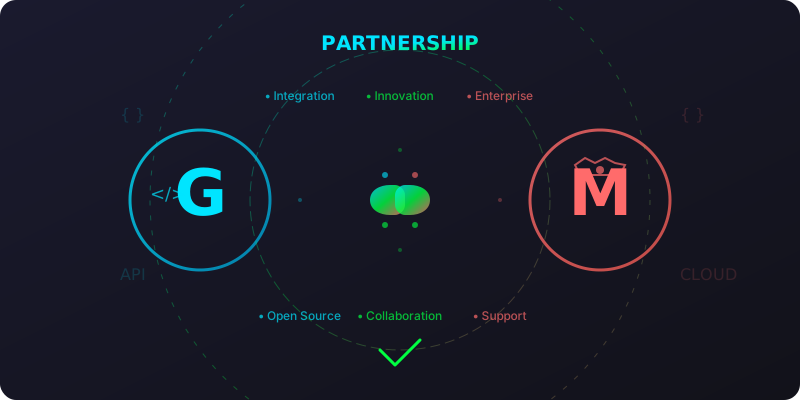
GoLogin and MultiLogin have formed a strategic partnership to provide comprehensive browser automation solutions for developers and enterprises. This collaboration combines the flexibility of open-source development with enterprise-grade reliability.
Get 20% off your first 3 months of MultiLogin Pro plan when migrating from GoLogin
Limited time offer • No credit card required
Both GoLogin and MultiLogin believe in empowering users with powerful browser automation tools. While we serve different market segments, our commitment to innovation, user privacy, and technical excellence unites us.
GoLogin Strengths:
MultiLogin Strengths:
Seamless Migration
Special Pricing
Enhanced Features
Development Resources
Cost Optimization
Technical Excellence
Consider migrating to MultiLogin when you experience:
Team Growth
Scale Requirements
Enterprise Needs
Free consultation with our migration experts to assess your needs and create a custom migration plan.
Use our migration tools to securely export your GoLogin profiles with all settings and fingerprints intact.
Test migrated profiles in MultiLogin environment to ensure compatibility and performance.
Train your team on MultiLogin features and set up collaboration workflows.
Dedicated support during transition to ensure smooth operations.
Background: A social media marketing agency managing 200+ client accounts using GoLogin.
Challenge: Team growth to 15 members created collaboration and profile management challenges.
Solution: Migrated to MultiLogin with custom team structure and role-based access control.
Results:
Background: Software company using GoLogin for automated testing across 50 browser configurations.
Challenge: Need for enterprise support and SLA guarantees for production systems.
Solution: Hybrid approach using GoLogin for development, MultiLogin for production automation.
Results:
Both platforms offer RESTful APIs with similar functionality:
// GoLogin APIconst gologinResponse = await fetch('https://api.gologin.com/v2/profile', {  method: 'POST',  headers: { 'Authorization': 'Bearer YOUR_API_KEY' },  body: JSON.stringify(profileData)});
// MultiLogin APIconst multiloginResponse = await fetch('https://api.multilogin.com/v1/profile', { method: 'POST', headers: { 'Authorization': 'Bearer YOUR_API_KEY' }, body: JSON.stringify(convertedProfileData)});Partnership Team:
Technical Support:
Q: Is MultiLogin a replacement for GoLogin? A: No, they serve different needs. GoLogin is ideal for developers and small teams, while MultiLogin serves enterprises requiring collaboration and compliance features.
Q: Can I use both platforms simultaneously? A: Yes! Many users use GoLogin for development/testing and MultiLogin for production/enterprise work.
Q: What happens to my existing GoLogin profiles? A: Your profiles remain yours. Migration tools help you move them to MultiLogin if/when you’re ready.
Q: Are fingerprints compatible between platforms? A: Our migration tools preserve and optimize fingerprint settings for maximum compatibility.
Q: Do I need to change my automation scripts? A: Minimal changes required. Both platforms use similar APIs, and we provide migration utilities.
Q: What about my existing proxy configurations? A: Proxy settings are preserved during migration and can be easily configured in MultiLogin.
Q: How much does MultiLogin cost? A: MultiLogin starts at $99/month, with significant discounts available for GoLogin users.
Q: Is there a free trial available? A: Yes, GoLogin users get an extended 45-day free trial of MultiLogin Pro.
Q: Are there any migration fees? A: Migration tools and consultation are free for GoLogin users.
Ready to explore the benefits of our partnership? Here’s how to begin:
This partnership represents our commitment to providing the best possible browser automation solutions for every use case and organization size. Together, we’re building the future of browser automation.